
Introduction
Stop chasing wedding RSVPs. Send personal links and reminders on WhatsApp and see live headcounts per event, with guest consent built in. No app for guests.
A reply is a habit, not a decision. The fewer steps between the message and the answer, the more answers you get.
Every couple who has sent paper RSVP cards knows the pattern. You post the invitations, wait, and then spend the weeks before the wedding doing the one job you hoped to avoid: chasing people. A cousin who "meant to reply". An uncle who rings you instead. A friend who answers in the group chat, three days after you asked the question.
The problem isn't your guests. It's the channel. If your family lives on WhatsApp, an RSVP system that lives somewhere else will always be one extra step away from being answered.
"A reply is a habit, not a decision. The fewer steps between the message and the answer, the more answers you get."
Why guests answer on WhatsApp and ignore everything else
For many families in India, and for South Asian families in the US and the UK, WhatsApp is the default way to read anything that matters. It's where the family group, the aunties' updates and the "who's picking up Nani from the airport" thread already live. Messages there get opened. Emails and cards often don't.
- It's already open. Nobody has to remember a website, install an app or create an account.
- It's personal. A message that says "Hi Priya, we'd love you at our wedding" gets a reply more often than a mass email with an unfamiliar sender.
- It's quick. A tap on a link on a phone, a few taps on the form, done.
What "RSVP on WhatsApp" actually means
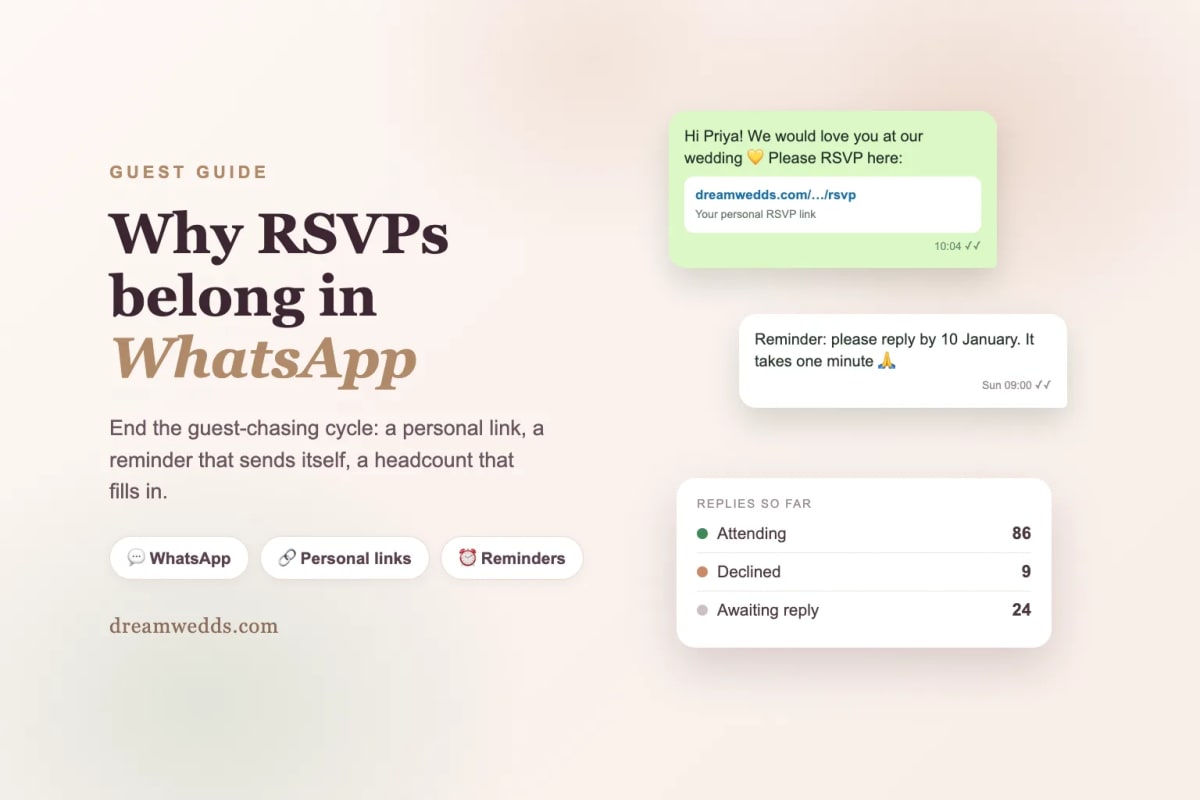
Let's be precise, because it matters. With DreamWedds, the message arrives on WhatsApp, and the guest answers on a short, personal RSVP page that opens from the link in that message. They don't need an app or a login, and their name is already filled in.
That's deliberate. A form can ask the questions a chat reply can't: how many people are coming, which of your events they'll attend, and what they eat. Those answers go straight into your guest list instead of into a scroll of replies you have to copy out by hand.
The guest-chasing cycle, and how it ends
Chasing guests is a cycle because each step depends on you remembering the previous one. DreamWedds replaces the cycle with three things.
1. A personal link for every guest
Each guest gets their own RSVP link. That's how DreamWedds knows who replied without making anyone log in, and it's why you can see "Attending", "Declined" and "Awaiting reply" at a glance.
2. Messages sent from one place, to the right people
Upload your guest list from a spreadsheet and add tags such as Bride's family, Groom's friends or Office. Then send the RSVP request to everyone, to a tag, or to guests you pick. The message is personalised for each guest, and you can schedule it for a time people actually read their phones, like a Sunday morning.
3. Reminders that go out without you
Schedule a reminder for one event or the whole wedding, by WhatsApp or by email. Guests who've already replied don't need nudging, so you can spend your energy on the ones who haven't.
Guests need to say yes to WhatsApp first
This is the part that keeps your messages welcome and your account safe. Before DreamWedds sends anyone a WhatsApp message, you record that the guest agreed to receive wedding messages on WhatsApp. Only guests with that permission are counted and sent to, and the check runs again right before each message goes out. If a guest doesn't have permission, you can still email them or copy their personal link and send it yourself.
It's also why the messages feel welcome: guests only hear about events they've agreed to hear about.
What it costs
Creating RSVP links, sharing them yourself and sending them by email doesn't cost anything extra. Messages sent through WhatsApp from DreamWedds use message credits. Your website includes an allowance, and you can add more under Add-ons if your guest list is larger. If you'd rather not spend credits, copy each guest's link and paste it into your own chat.
A simple plan for your RSVP rollout
- Publish your website first. RSVP links open a page on it, so it must be live.
- Add every event. Guests tick the events they'll attend, and you get a headcount for each one. Caterers and venues will ask for those numbers.
- Import your guest list with the country code in its own column, so guests abroad receive messages reliably.
- Send the first RSVP request four to six weeks before your first event, with a clear reply-by date.
- Schedule one reminder a week before that date, to guests who haven't replied.
The full walkthrough is in our guide to creating and sending an RSVP link.
Frequently asked questions
Do my guests need a DreamWedds account?
No. The RSVP page opens from the link in any phone or computer browser. There's no app to install and no password to remember.
Can guests reply inside WhatsApp itself?
The message arrives in WhatsApp and the guest taps the link to answer on a short form. The form is what lets you collect party size, events and meal preferences in an organised way.
Can I message only some guests?
Yes. Send to all guests, to a tag you've set, or to guests you select one by one.
What if a guest doesn't use WhatsApp?
Send their personal link by email, or copy it and send it however they prefer. Every guest gets a link, whatever channel you use.
Stop chasing, start counting
Meet your guests where they already are. See how RSVP and WhatsApp reminders work, or start with a free wedding website and send your first link today.
From Mehendi to Reception: Building a Multi-Event Indian Wedding Website With DreamWedds
18 NOV 2026
Free Forever, Beautifully Designed: A Look Inside DreamWedds' Templates, Countdown and AI Writing Help
18 NOV 2026
Why Wedding RSVPs Belong in WhatsApp: How DreamWedds Ends the Guest-Chasing Cycle
18 NOV 2026
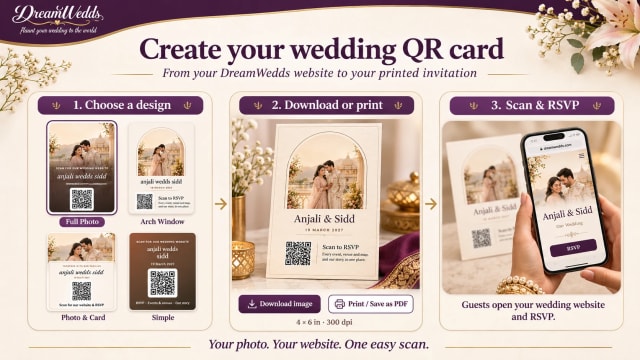
How to Put a QR Code on Your Wedding Invitation (and Make Sure It Scans)
14 NOV 2026
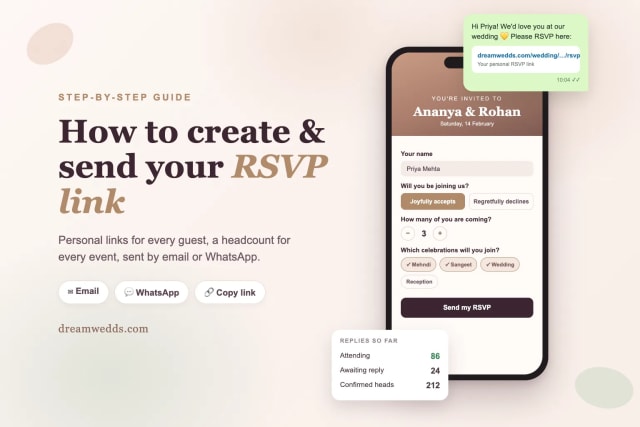
How to Create and Send an RSVP Link for Your Wedding (Step-by-Step)
8 NOV 2026
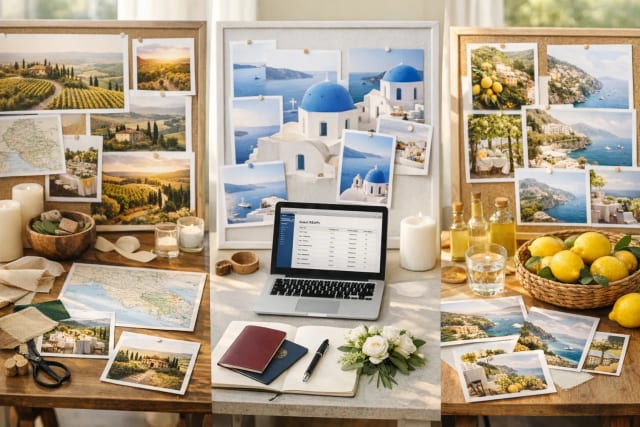
Tuscany vs Santorini vs Amalfi Coast for a wedding
18 JUN 2026

How Much Does a Destination Wedding in Europe Cost?
18 JUN 2026
Top 20 Wedding Destinations in Europe for a Fairytale Wedding
18 JUN 2026

Wedding Checklist for US Couples: What to Do and When
18 JUN 2026

How Wedding Websites Simplify Planning for U.S. Couples
18 JUN 2026
From Mehendi to Reception: Building a Multi-Event Indian Wedding Website With DreamWedds
18 NOV 2026
Free Forever, Beautifully Designed: A Look Inside DreamWedds' Templates, Countdown and AI Writing Help
18 NOV 2026
Why Wedding RSVPs Belong in WhatsApp: How DreamWedds Ends the Guest-Chasing Cycle
18 NOV 2026
How to Put a QR Code on Your Wedding Invitation (and Make Sure It Scans)
14 NOV 2026
How to Create and Send an RSVP Link for Your Wedding (Step-by-Step)
8 NOV 2026
Tuscany vs Santorini vs Amalfi Coast for a wedding
18 JUN 2026
How Much Does a Destination Wedding in Europe Cost?
18 JUN 2026
Top 20 Wedding Destinations in Europe for a Fairytale Wedding
18 JUN 2026
Wedding Checklist for US Couples: What to Do and When
18 JUN 2026
How Wedding Websites Simplify Planning for U.S. Couples
18 JUN 2026
