
From Mehendi to Reception: Building a Multi-Event Indian Wedding Website With DreamWedds
Introduction
Build a multi-event Indian wedding website: mehendi, sangeet, haldi, ceremony and reception with separate venues, dress codes, RSVPs and headcounts.
The wedding is one day. The celebration is five. Your website should know the difference.
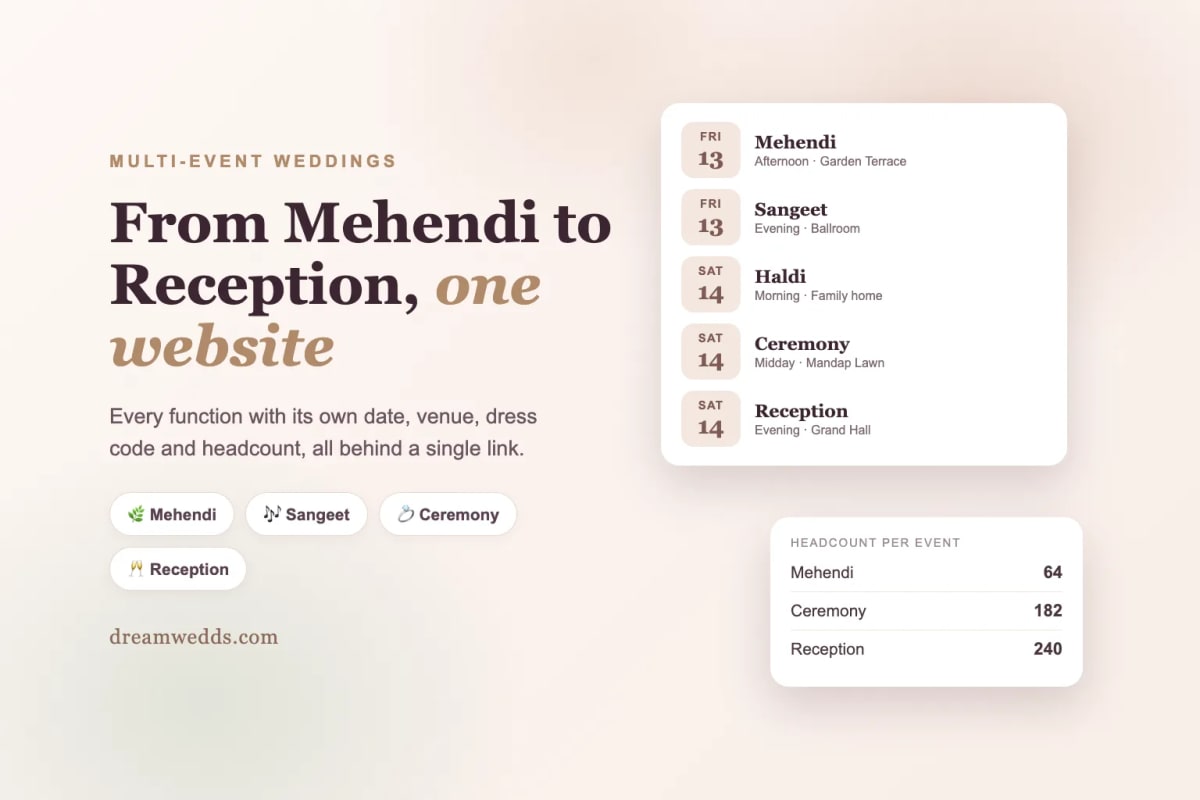
An Indian wedding is rarely one event. There's the mehendi the day before, a sangeet that goes past midnight, a haldi in the morning, the ceremony itself, and a reception for everyone who couldn't squeeze into the first four. Each has its own time, its own venue, its own dress code, and often its own guest list.
A single "Save the Date" can't hold that. Neither can a group chat, where the venue for the sangeet is buried under forty messages about the caterer. A wedding website can, if it's built to handle many events rather than just one.
"The wedding is one day. The celebration is five. Your website should know the difference."
One website, every event
On DreamWedds, each celebration is its own event with its own details. Guests open one link and see the whole programme, in order:
- Date and start time for every function.
- Venue name and address, with Google Maps directions one tap away.
- A short description, so guests know what to expect.
- Dress code and notes, such as "yellow and florals for haldi" or "traditional wear for the ceremony".
Change a time or a venue and the website updates for everyone. No reprinting, no re-sending, no "which version of the schedule is correct?".
Walkthrough: from mehendi to reception
Step 1: Pick a design that suits your celebration
Browse the themes and choose the look you love. If your celebration follows a Sikh or Muslim tradition, start with the four designs made for them, described below.
Step 2: Choose your wedding tradition
DreamWedds knows that a Hindu wedding, a Sikh wedding, a Muslim wedding and a Christian wedding are made of different ceremonies. When you set your wedding style, the builder suggests the events that usually belong to it, along with typical start times and wording you can edit. A Hindu wedding starts with the Grand Wedding at the heart of it, and a Muslim wedding is centred on the Nikah, while you add the mehendi, sangeet, walima and anything else around them.
These are suggestions, not rules. Keep what fits, rename what doesn't and delete the rest.
Step 3: Add every event, one by one
Open Website Content, go to Events and click Add an event for each function. Give each one its date, time and venue, and pick or write a description. Mark your main ceremony as the primary event, so wedding-wide messages use its date and venue.
Take the time to add every function. Those events become the options on your guests' RSVP page, and they're how you get a separate headcount for each.
Step 4: Set the order and the details guests ask about
Put events in the order they happen. Add dress codes and short notes, because "what should I wear?" is the question every guest sends you. Mention whether kids are welcome, if there's a baraat, or if a particular event is for family only.
Step 5: Let guests choose which events they'll attend
Each guest's personal RSVP link asks "Which celebrations will you join?" and lists your events. A guest from the bride's side might attend the mehendi, the ceremony and the reception; a colleague might only attend the reception. You see both answers, event by event.
That's the part that matters most for planning. Your caterer wants a number for each function. With one tick per event, you have them without a spreadsheet of phone calls.
Step 6: Publish, share and remind
Publish your website, then send each guest their link by email, by WhatsApp or by copying it into your own message. Schedule reminders for a single event, such as the sangeet the night before, or for the whole wedding. You can send to everyone, to a group like "bride's family", or to guests you choose.
Designs made for Sikh and Muslim weddings
Four DreamWedds templates are built around specific traditions, so your website feels like your wedding rather than a generic one.
- Kesar and Sarovar are for Sikh weddings. Their events carry the ceremony's own name beneath the English one, such as the Anand Karaj in Punjabi, and Sarovar adds a friends and family section where the bride's and groom's families scroll past in a moving carousel with their photos and names.
- Noor and Qamar are for Muslim weddings, with the Nikah, Mehndi, Walima and other functions shown with their traditional names.
All four open with gentle motion as guests scroll, can auto-scroll through the page, and play background music. If you haven't uploaded a photo for an event yet, they show a tasteful symbol for it instead of leaving an empty space, so the site looks finished from day one.
When you create your website with the Instant Designer, the wedding tradition is pre-selected to match the template (Sikh for Kesar and Sarovar, Muslim for Noor and Qamar). You can pick a different tradition if you like, and the main event, usual start times and suggested wording follow it. For a Sikh wedding the main event is the Anand Karaj; for a Muslim wedding it is the Nikah.
Handling the hard parts
- Different guest lists for different events. Tag guests (for example Family, Friends, Office) and message one group at a time.
- Guests travelling from abroad. The RSVP form asks where they're travelling from, which helps with hotel blocks and airport pickups.
- Changing plans. If a venue changes, edit the event once. Everyone who opens the website sees the update, and you can send a reminder to those affected.
- Elders who won't use a website. Copy their personal link and send it in your own words, or call them with the details they'll find on the page.
A sample five-event schedule
| Event | When | Guests | Dress code |
|---|---|---|---|
| Mehendi | Friday, afternoon | Close family and friends | Colourful, comfortable |
| Sangeet | Friday, evening | Everyone | Festive |
| Haldi | Saturday, morning | Family | Yellow or white |
| Ceremony | Saturday, midday | Everyone | Traditional |
| Reception | Saturday, evening | Everyone | Formal |
Treat this as an example. Your list, times and names will be your own.
Frequently asked questions
How many events can I add?
Add as many as your celebration needs. Create each function as its own event so guests can choose the ones they'll attend.
Can each event have a different venue?
Yes. Every event has its own date, time, venue and map directions.
Will guests see events they're not invited to?
Your website shows the events you add. If an event is family-only, say so in its description, and send that event's messages only to the guests you tag for it.
Does it work for Sikh, Muslim and Christian weddings too?
Yes. Choose your wedding style and the builder suggests the events and wording that usually go with it. You can edit all of it. Kesar and Sarovar are designed for Sikh weddings, and Noor and Qamar for Muslim weddings.
Ready to build yours?
Pick a design from DreamWedds themes, or read more about multi-day wedding websites. Selected templates are free forever; premium designs such as Kesar, Sarovar, Noor and Qamar can be tried before you buy.
From Mehendi to Reception: Building a Multi-Event Indian Wedding Website With DreamWedds
18 NOV 2026
Free Forever, Beautifully Designed: A Look Inside DreamWedds' Templates, Countdown and AI Writing Help
18 NOV 2026
Why Wedding RSVPs Belong in WhatsApp: How DreamWedds Ends the Guest-Chasing Cycle
18 NOV 2026
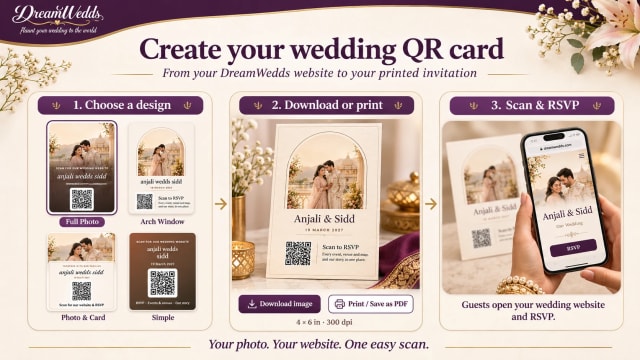
How to Put a QR Code on Your Wedding Invitation (and Make Sure It Scans)
14 NOV 2026
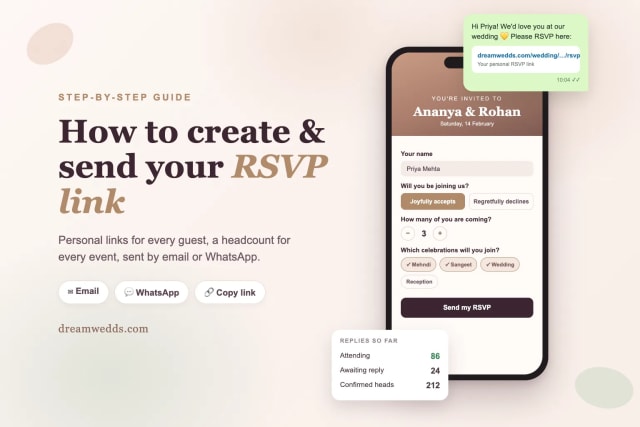
How to Create and Send an RSVP Link for Your Wedding (Step-by-Step)
8 NOV 2026
Tuscany vs Santorini vs Amalfi Coast for a wedding
18 JUN 2026

How Much Does a Destination Wedding in Europe Cost?
18 JUN 2026
Top 20 Wedding Destinations in Europe for a Fairytale Wedding
18 JUN 2026

Wedding Checklist for US Couples: What to Do and When
18 JUN 2026

How Wedding Websites Simplify Planning for U.S. Couples
18 JUN 2026
From Mehendi to Reception: Building a Multi-Event Indian Wedding Website With DreamWedds
18 NOV 2026
Free Forever, Beautifully Designed: A Look Inside DreamWedds' Templates, Countdown and AI Writing Help
18 NOV 2026
Why Wedding RSVPs Belong in WhatsApp: How DreamWedds Ends the Guest-Chasing Cycle
18 NOV 2026
How to Put a QR Code on Your Wedding Invitation (and Make Sure It Scans)
14 NOV 2026
How to Create and Send an RSVP Link for Your Wedding (Step-by-Step)
8 NOV 2026
Tuscany vs Santorini vs Amalfi Coast for a wedding
18 JUN 2026
How Much Does a Destination Wedding in Europe Cost?
18 JUN 2026
Top 20 Wedding Destinations in Europe for a Fairytale Wedding
18 JUN 2026
Wedding Checklist for US Couples: What to Do and When
18 JUN 2026
How Wedding Websites Simplify Planning for U.S. Couples
18 JUN 2026
