
Free Forever, Beautifully Designed: A Look Inside DreamWedds' Templates, Countdown and AI Writing Help
Introduction
What you get with a free wedding website on DreamWedds: free-forever templates, a live countdown, RSVP and Write with AI drafts, with the limits explained.
Free should mean you can build, publish and share your whole wedding website without ever reaching for your card.
"Free" is a word that makes people suspicious, and wedding vendors have earned some of that. A free wedding website often means a design you can't change, a banner you can't remove, or a paywall the day before your invitations go out.
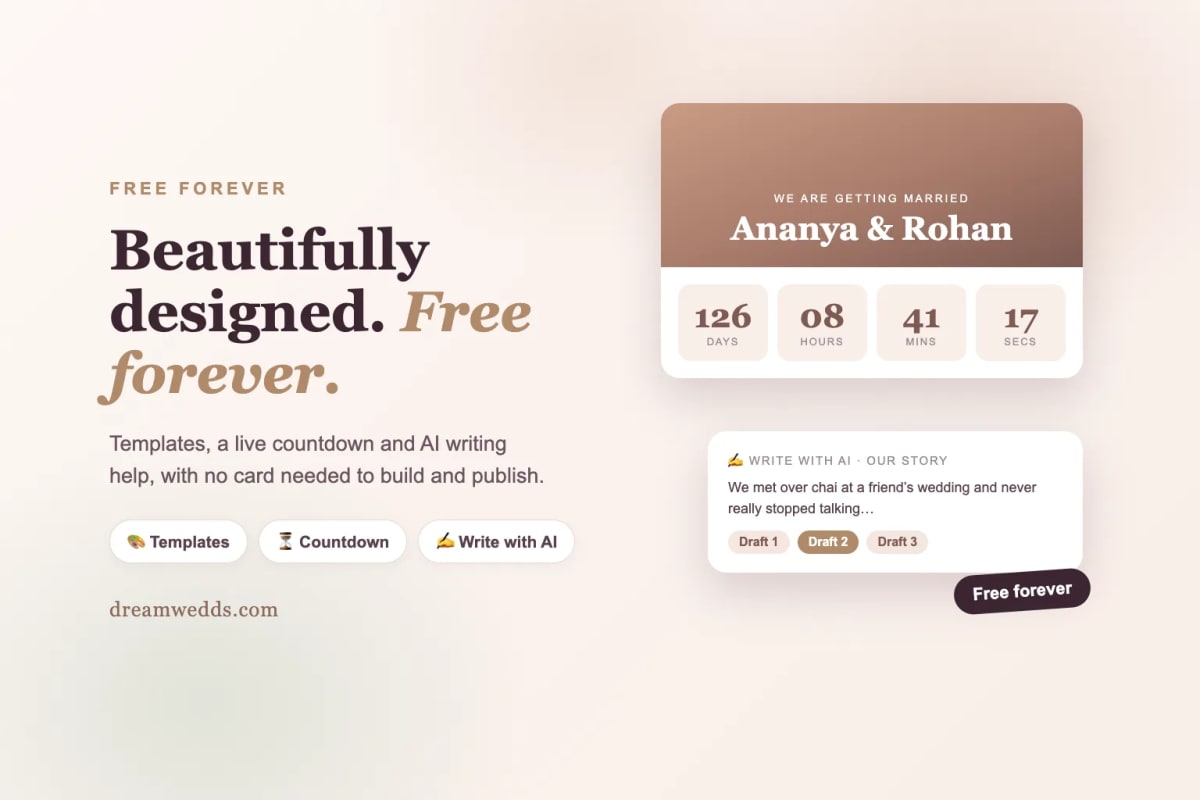
So here's a plain look at what you get with a free DreamWedds website: the templates, the countdown to your wedding day, and the AI writing help that fills the blank page. We've also been upfront about the limits, because you should know them before you start.
"Free should mean you can build, publish and share your whole wedding website without ever reaching for your card."
What "free forever" means
Selected DreamWedds templates are free forever. You can build your website, publish it on its own dreamwedds.com link, share it with guests and collect RSVPs without paying or entering a card. These websites don't expire.
Premium designs are optional paid upgrades, and extras such as additional WhatsApp message credits are add-ons you buy only if you need them. Premium designs can be tried free before you buy. That trial applies to premium designs only; free-forever templates don't have a trial because they don't need one.
The templates
Every template is built for phones first, because that's where most of your guests will open it. Each one gives your guests:
- A hero section with your names, your date and an auto-scrolling photo slideshow.
- Your love story as a timeline.
- Your bridal party, with photos.
- Every event with its date, time, venue and Google Maps directions.
- A photo gallery.
- An online RSVP that works on any phone with no app or account.
Browse the themes to see them all. Choose on style: the same features sit behind every one, so you're picking a look, not a feature set.
How to choose
- Start with your photos. If you have a few strong portraits, pick a design with a large hero image. If your photos are casual, choose a softer layout.
- Think about your guests. A traditional family will love a classic, warm design; a younger crowd might enjoy something more modern.
- Check it on your phone. Open the preview on a phone before you decide. That's the screen your guests will use.
The countdown
A live countdown to your wedding day sits on your website, ticking down days, hours and minutes. It's a small thing that guests love: it builds anticipation, and it's the first thing many people check when they open the link.
You don't have to set it up separately. Enter your wedding date once, and the countdown, your events and your reminders all use it. If the date changes, change it in one place.
AI writing help
The hardest part of a wedding website for most couples isn't the design; it's the words. "How did we meet?" is easy to say out loud and surprisingly hard to write.
Next to each text field in the builder, there's a Write with AI button. One click gives you two or three drafts of your welcome message, the bride and groom introductions, a moment in your love story or an event description. Pick one, edit it in your own voice and save it.
How it works, and what it uses
- It writes from your first names, wedding date, wedding style and the event or moment you're editing.
- It never sends your guest list or guests' contact details.
- It removes links, emails and phone numbers from its drafts.
- Nothing is published until you choose a draft and save it.
The limits
| Your website | AI suggestions |
|---|---|
| Paid premium website | 20 a day |
| Free trial or free-forever website | 3 in total, one per field |
The hand-written suggestions in the builder are always there, with no limit. Use the AI for the one or two fields where you're really stuck, and the suggestion list for the rest.
Everything else you get
- Online RSVP with a personal link for every guest.
- A guest list you can upload from a spreadsheet and track in one place.
- Reminders by email for free, and by WhatsApp within your message allowance.
- Fast, free hosting on your own dreamwedds.com link. Custom domains aren't available yet.
- Prices in US dollars, British pounds or Indian rupees if you choose to upgrade.
Frequently asked questions
Do I need a credit card to start?
No. You can create, publish and share a free-forever website without entering a card.
Will my free website expire?
No. Free-forever templates don't expire.
Is the AI text published automatically?
No. It only suggests drafts. Nothing changes on your website until you pick one, edit it if you like, and save.
What do I pay for if I upgrade?
Premium designs, extra WhatsApp message credits and add-ons such as an extended photo gallery. They're optional.
Start building today
Choose a design from DreamWedds themes and have your website live this evening. See the free wedding website page for the full list of what's included, or the AI writing help page for more on drafts and limits.
From Mehendi to Reception: Building a Multi-Event Indian Wedding Website With DreamWedds
18 NOV 2026
Free Forever, Beautifully Designed: A Look Inside DreamWedds' Templates, Countdown and AI Writing Help
18 NOV 2026
Why Wedding RSVPs Belong in WhatsApp: How DreamWedds Ends the Guest-Chasing Cycle
18 NOV 2026
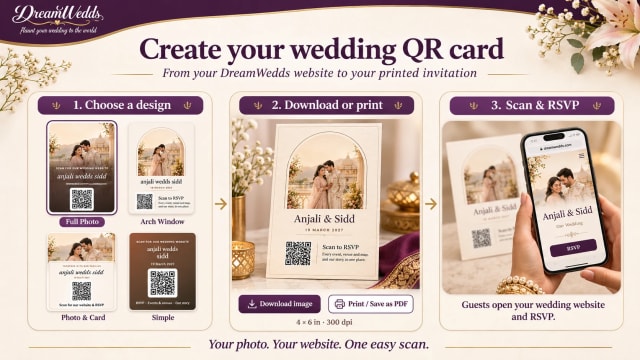
How to Put a QR Code on Your Wedding Invitation (and Make Sure It Scans)
14 NOV 2026
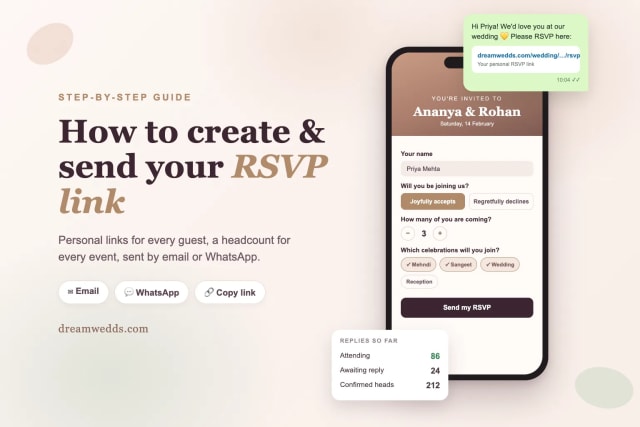
How to Create and Send an RSVP Link for Your Wedding (Step-by-Step)
8 NOV 2026
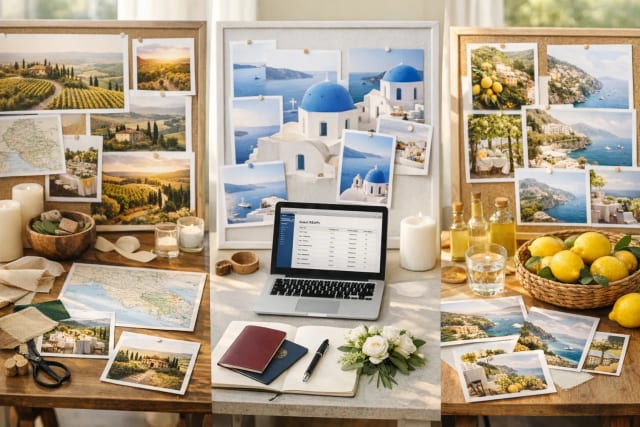
Tuscany vs Santorini vs Amalfi Coast for a wedding
18 JUN 2026

How Much Does a Destination Wedding in Europe Cost?
18 JUN 2026
Top 20 Wedding Destinations in Europe for a Fairytale Wedding
18 JUN 2026

Wedding Checklist for US Couples: What to Do and When
18 JUN 2026

How Wedding Websites Simplify Planning for U.S. Couples
18 JUN 2026
From Mehendi to Reception: Building a Multi-Event Indian Wedding Website With DreamWedds
18 NOV 2026
Free Forever, Beautifully Designed: A Look Inside DreamWedds' Templates, Countdown and AI Writing Help
18 NOV 2026
Why Wedding RSVPs Belong in WhatsApp: How DreamWedds Ends the Guest-Chasing Cycle
18 NOV 2026
How to Put a QR Code on Your Wedding Invitation (and Make Sure It Scans)
14 NOV 2026
How to Create and Send an RSVP Link for Your Wedding (Step-by-Step)
8 NOV 2026
Tuscany vs Santorini vs Amalfi Coast for a wedding
18 JUN 2026
How Much Does a Destination Wedding in Europe Cost?
18 JUN 2026
Top 20 Wedding Destinations in Europe for a Fairytale Wedding
18 JUN 2026
Wedding Checklist for US Couples: What to Do and When
18 JUN 2026
How Wedding Websites Simplify Planning for U.S. Couples
18 JUN 2026
