
Introduction
Digital wedding invitations explained: image, e-card or website link, costs, WhatsApp and email etiquette, timing, and when paper still makes sense.
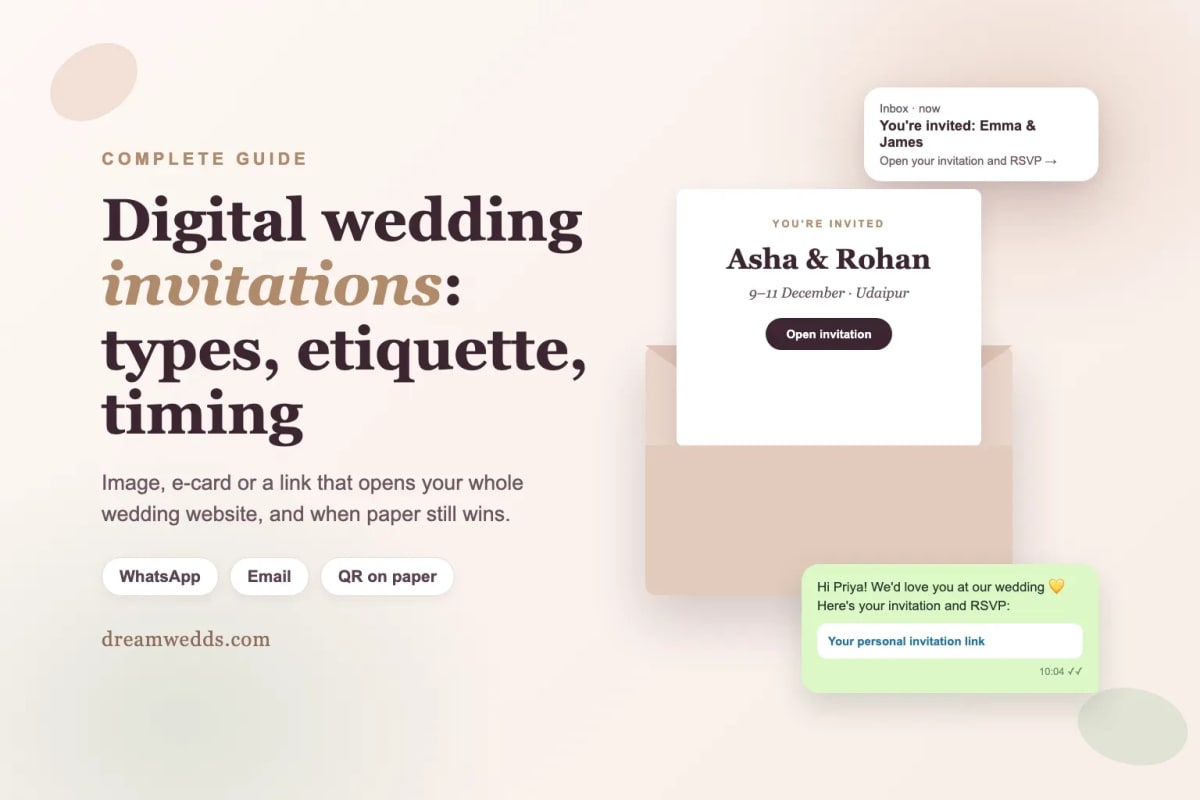
A digital wedding invitation is an invitation you send by email, WhatsApp or text instead of by post. It can be a simple image, an animated card, or a link that opens your wedding website with an RSVP form. Digital invitations cost less, arrive instantly and can be updated, but some older guests still value paper. Many couples now do both: a few printed invitations for family, and a digital one for everyone else.
By DreamWedds Editorial Team · Updated
Ten years ago an emailed wedding invitation might have seemed a little casual. Today it's normal, especially for guests spread across countries, weddings with several events, and families who coordinate everything on WhatsApp. The real question is which kind of digital invitation to send, and how to make it feel as special as a card in the post.
The three kinds of digital wedding invitation
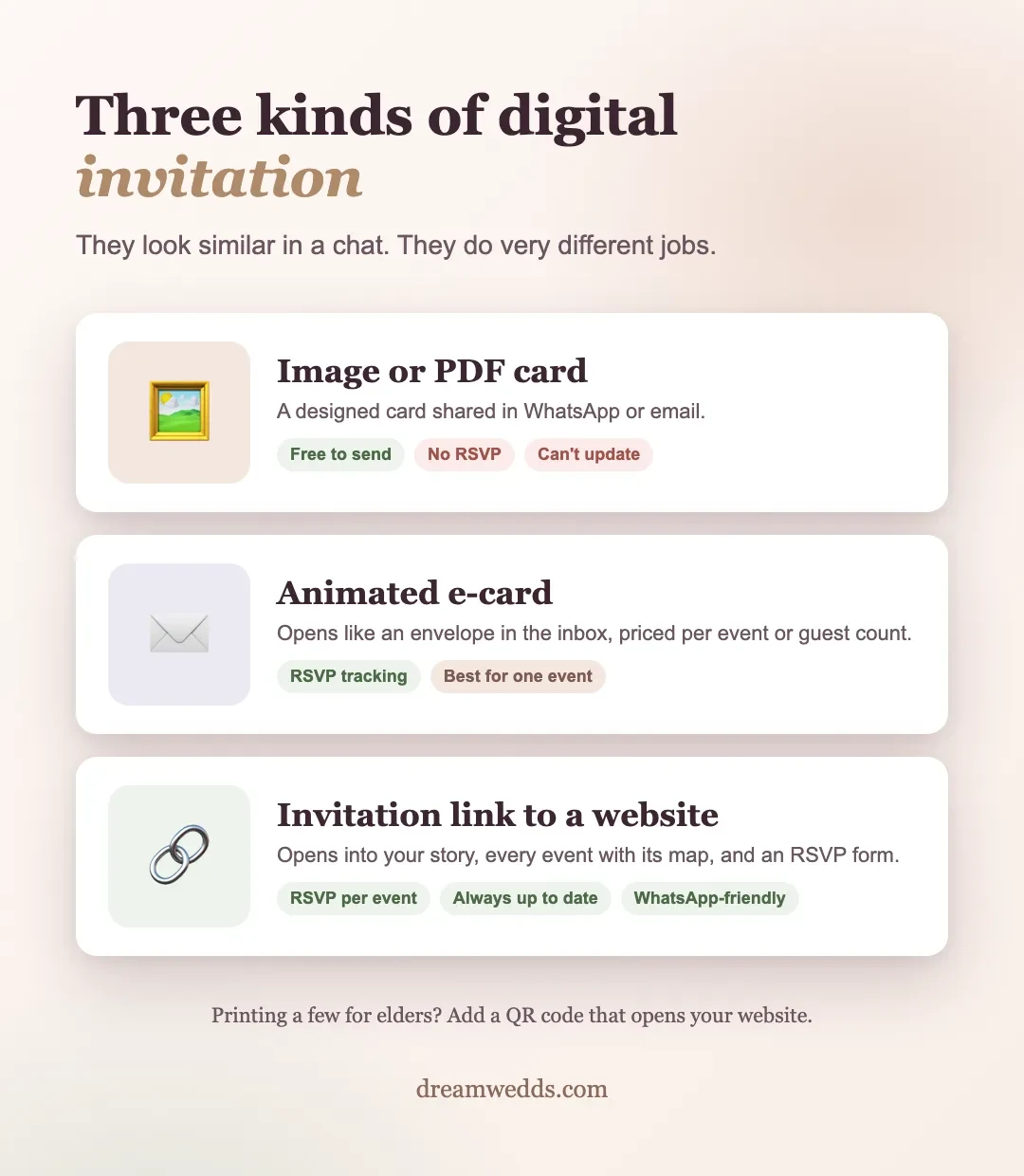
| Type | What guests get | Collects RSVPs? | Best for |
|---|---|---|---|
| Image or PDF invitation | A designed card shared in a chat or email | No, guests reply by message | Small weddings, quick announcements |
| Animated e-card | An emailed card that opens like an envelope | Usually, through the card service | One main event, guests who use email |
| Invitation link to a wedding website | An invitation that opens into your full website: story, events, maps, RSVP | Yes, per guest and per event | Multi-event weddings, guests abroad, details that may change |
Image or PDF invitations
The simplest option: a designed invitation saved as an image and sent on WhatsApp or by email. It's free if you design it yourself and guests see it instantly. The downside is that it can't collect replies or be updated. If the venue changes, you send a new image and hope everyone notices.
Animated e-cards
Services such as Paperless Post and Greenvelope send a designed card by email, often with an envelope animation, plus RSVP and open tracking. They're priced per event, by guest count or with credits. They're lovely for one main event; for several events with different guest lists, check how each service handles that. We compare them in DreamWedds vs Paperless Post vs Greenvelope.
Invitation links to a wedding website
Here the invitation is a link. Guests tap it, see an invitation, and then your full wedding website: your story, every event with its own venue and map, the dress code, travel information and an RSVP form. On DreamWedds, selected templates include an animated invitation opening, so guests see an invitation first and then the website. Because it's one live page, any change you make appears for everyone.
Digital vs printed invitations
- Cost. Printed invitations, envelopes and postage add up per guest. Digital invitations can cost nothing or very little.
- Speed. Digital arrives in seconds, wherever guests live. Post to another country can take weeks.
- Changes. A website link updates itself; printed cards can't.
- Replies. Digital invitations with RSVP collect answers in one list. Paper reply cards need posting back and typing up.
- Keepsake. Paper wins here. Grandparents may want something to put on the mantelpiece.
- Environment. Digital avoids paper, printing and delivery.
The common compromise: print a small run for elders and close family, with a QR code that opens your website, and send everyone else a digital invitation. Our free QR code generator makes a print-ready code, and our guide shows how to put a QR code on your invitation.
Digital invitation etiquette
- Send personally, not to a group. One message per guest or household feels like an invitation; a post in a 200-person group feels like an announcement. Personal links also tell you exactly who replied.
- Write a short personal line. "We'd love you to be there, Aunty" above the link makes all the difference.
- Call your elders. For grandparents and senior relatives, a phone call before the digital invitation is still good manners in many families.
- Make it clear who's invited. Name the guests in the message. Don't rely on guests guessing whether children or partners are included.
- Give a reply-by date, and send a friendly reminder a week before it.
- Only message guests on WhatsApp if they're happy to hear from you there, especially when you send through a service rather than your own phone.
When to send a digital invitation
The same timing as paper: save-the-dates six to twelve months ahead (earlier for destination weddings), and invitations about six to eight weeks before the wedding, with a reply-by date three to four weeks before the first event. Digital invitations arrive instantly, so don't send them later just because you can. Guests still need time to plan.
What to write
A digital invitation needs the same core details as a printed one: who's hosting, your names, the date, time and venue, and how to reply. Keep the message itself short and let the link carry the rest. For 25 ready-to-use examples, see our wedding invitation wording guide. For the message that goes with the link, the free RSVP wording generator writes a WhatsApp message and reminders in the tone you choose.
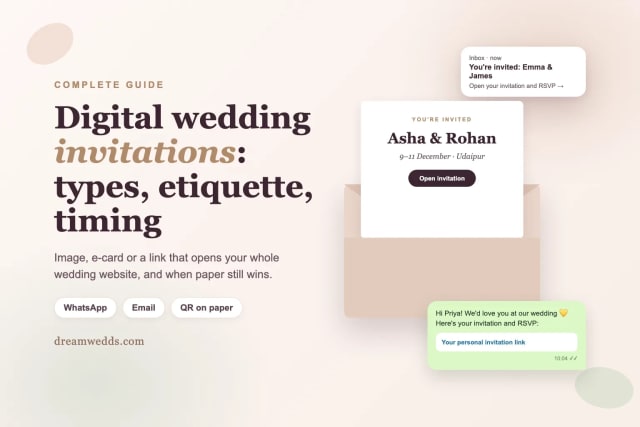
Hi Priya! We're getting married on 11 December and we'd love you there. Here's your invitation, with all the events and the RSVP: [your link]. Please reply by 10 November. Asha & Rohan
Frequently asked questions
Is it rude to send wedding invitations digitally?
No, not any more. Digital invitations are widely accepted, especially for guests abroad. For elders who prefer paper, send a printed invitation or call them first.
Can I send a wedding invitation on WhatsApp?
Yes. Send a personal message with your invitation link to each guest or household. If you use a service to send WhatsApp messages for you, only message guests who've agreed to receive them.
How do guests RSVP to a digital invitation?
Image invitations need guests to reply by message. E-cards and wedding website links include an RSVP form, so replies go straight into your guest list.
Can I have different invitations for different events?
Yes. With a wedding website, guests can see every event and tick the ones they'll attend. If some events are family-only, send those guests a separate message.
Are digital wedding invitations free?
Image invitations you design yourself are free to send. E-card services usually charge by event or guest count. On DreamWedds, selected website templates are free forever and include online RSVP; premium designs and extra WhatsApp message credits cost extra.
Send an invitation that opens into everything
Browse the DreamWedds themes, add your events, and send each guest a personal invitation link by WhatsApp or email. Start with a free wedding website. For a wider decision guide covering paper, digital and website together, see our guide to what to put on a wedding website.
Wedding RSVP Website: What It Should Do and How to Set One Up
20 NOV 2026
Wedding RSVP Etiquette and Wording: How to Set a Reply-By Date
20 NOV 2026
Wedding Hashtag Ideas: 100+ Examples and a Free Generator
20 NOV 2026
Wedding Invitation Wording: 25 Examples for Every Style
20 NOV 2026
Do You Need a Wedding Website? A Balanced Guide
20 NOV 2026
Digital Wedding Invitations: Types, Etiquette and When to Send
20 NOV 2026
Best Free Wedding Website Builders: What’s Actually Free?
20 NOV 2026

When Should I Send Wedding Website and RSVP Links? A Practical Timeline
19 NOV 2026

What Should I Put on a Wedding Website? A Section-by-Section Guide and Checklist
19 NOV 2026
From Mehendi to Reception: Building a Multi-Event Indian Wedding Website With DreamWedds
18 NOV 2026
Wedding RSVP Website: What It Should Do and How to Set One Up
20 NOV 2026
Wedding RSVP Etiquette and Wording: How to Set a Reply-By Date
20 NOV 2026
Wedding Hashtag Ideas: 100+ Examples and a Free Generator
20 NOV 2026
Wedding Invitation Wording: 25 Examples for Every Style
20 NOV 2026
Do You Need a Wedding Website? A Balanced Guide
20 NOV 2026
Digital Wedding Invitations: Types, Etiquette and When to Send
20 NOV 2026
Best Free Wedding Website Builders: What’s Actually Free?
20 NOV 2026
When Should I Send Wedding Website and RSVP Links? A Practical Timeline
19 NOV 2026
What Should I Put on a Wedding Website? A Section-by-Section Guide and Checklist
19 NOV 2026
From Mehendi to Reception: Building a Multi-Event Indian Wedding Website With DreamWedds
18 NOV 2026
